
How to Manage Salon Appointments Without Software (2026 Guide)
A practical, step-by-step system for managing salon appointments manually — paper diary, WhatsApp, or spreadsheet — plus the signs it's time to switch to booking software.
Not every salon is ready for booking software on day one. If you're just starting out, running a one-chair studio, or testing whether your business needs a bigger system, you can absolutely manage appointments manually — you just need a system, not chaos. This guide walks through how to do it properly, what breaks down as you grow, and the signs that tell you it's time to upgrade to a platform like Blyssbook.
The manual methods salons actually use
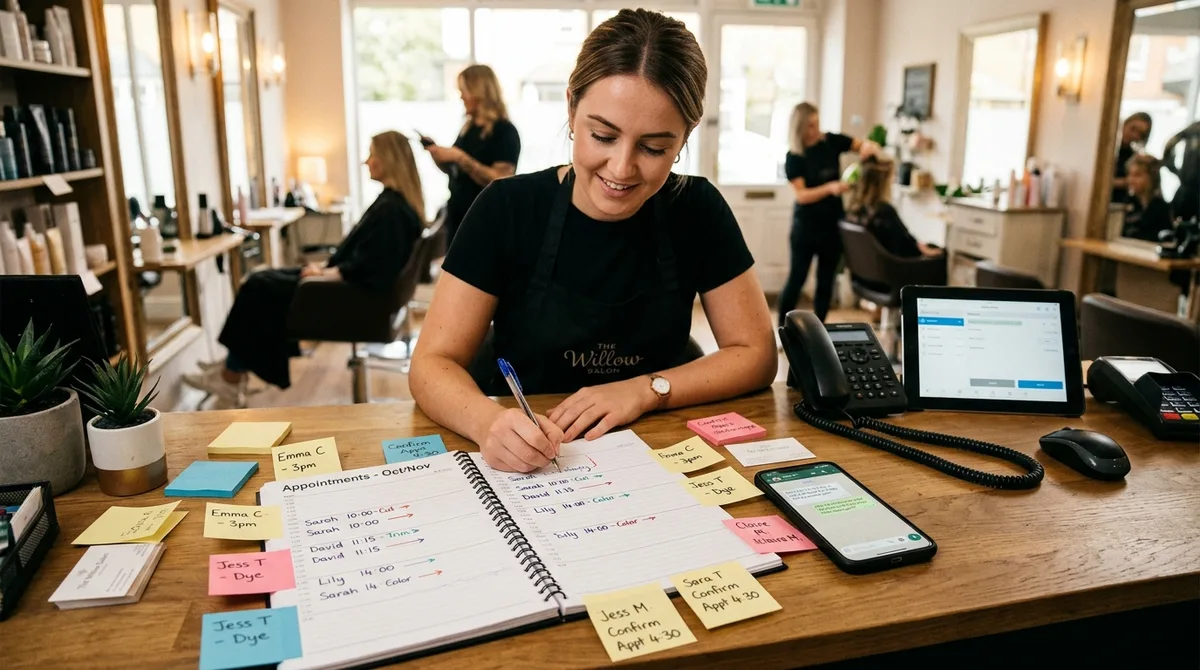
- A paper diary or appointment book kept at the front desk
- Phone calls and voicemail, with bookings written down after the call
- WhatsApp messages, often scattered across dozens of separate chats
- A shared spreadsheet (Google Sheets or Excel) with one row per booking
- Instagram or Facebook DMs, especially for younger or newer salons
- Walk-ins only, with no advance booking system at all
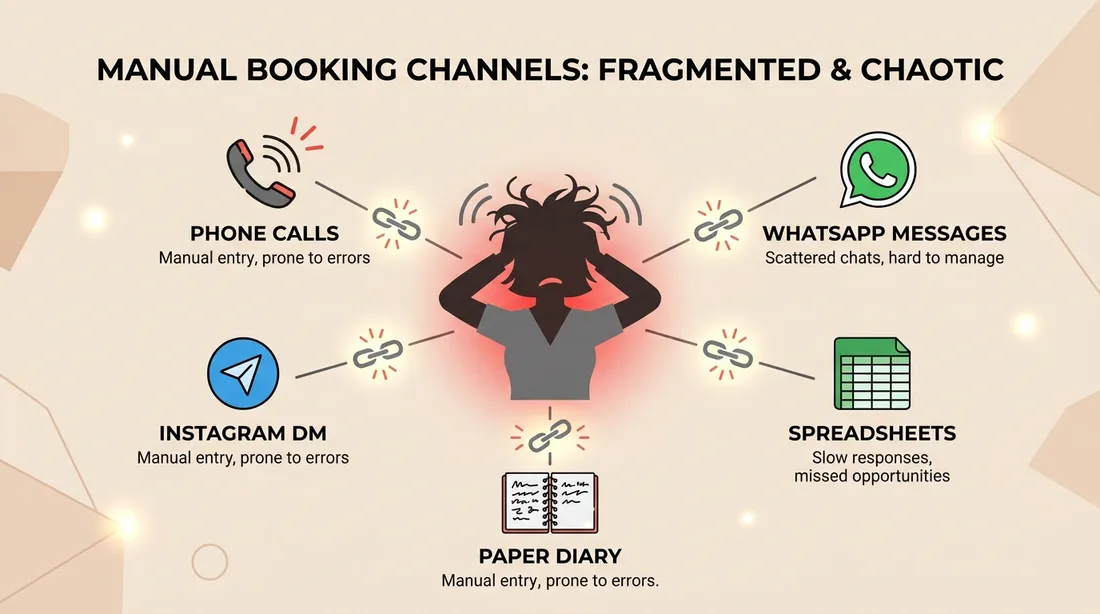
Most salons don't use just one of these — they use three or four at once, which is exactly where the problems start. A client books by phone, another messages on Instagram, a regular texts your personal WhatsApp, and none of it lives in the same place. This is precisely the fragmentation that booking platforms like Blyssbook are built to eliminate: every channel feeds into one shared calendar instead of five disconnected ones.
A step-by-step system for manual appointment management
- 1Pick one single source of truth — ideally a physical diary or one shared digital calendar, not both
- 2Every booking channel (phone, WhatsApp, DM, walk-in) gets written into that one place immediately, not 'later'
- 3Write the client's name, phone number, service, and duration for every entry — not just a time slot
- 4Block out buffer time between appointments for cleanup and running late
- 5Call or message every client to confirm 24 hours ahead — this is the single biggest lever against no-shows
- 6At the end of each day, reconcile the diary against what actually happened and note no-shows or late cancellations
The real cost of managing appointments manually
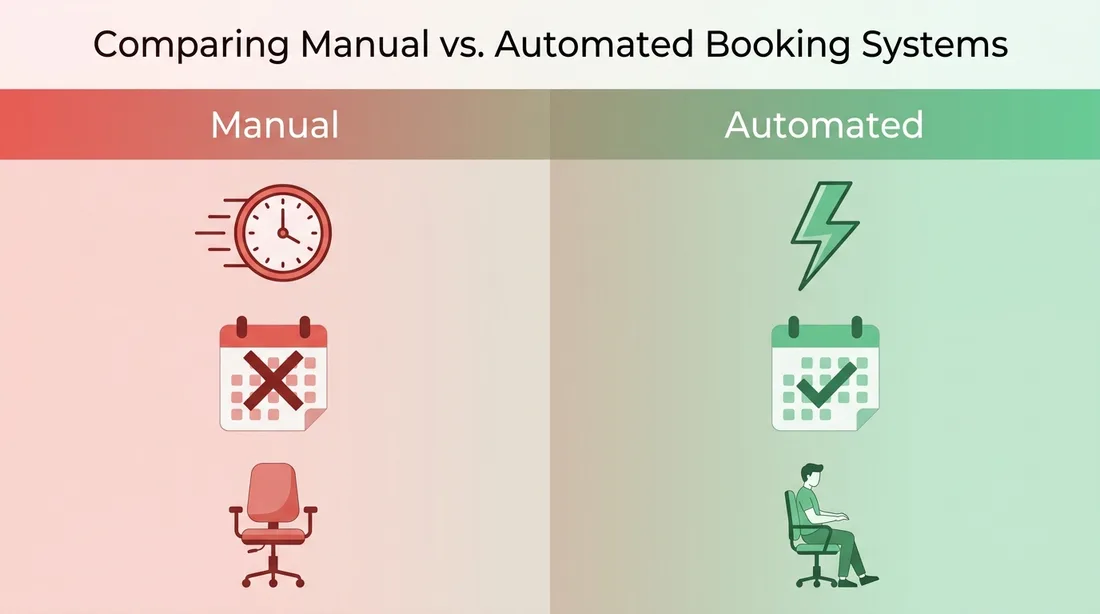
| Area | Manual approach | What it costs you |
|---|---|---|
| Booking speed | Client waits for a reply during business hours | Lost bookings to salons that reply instantly |
| Double bookings | Depends on staff checking one shared diary correctly | Awkward client conversations, lost trust |
| No-shows | Manual reminder calls, if anyone remembers | Empty chairs, wasted staff time |
| After-hours bookings | Missed until you check messages the next day | Clients book with a competitor instead |
| Client history | Relies on staff memory or handwritten notes | No way to personalise service at scale |
Common mistakes salons make without booking software
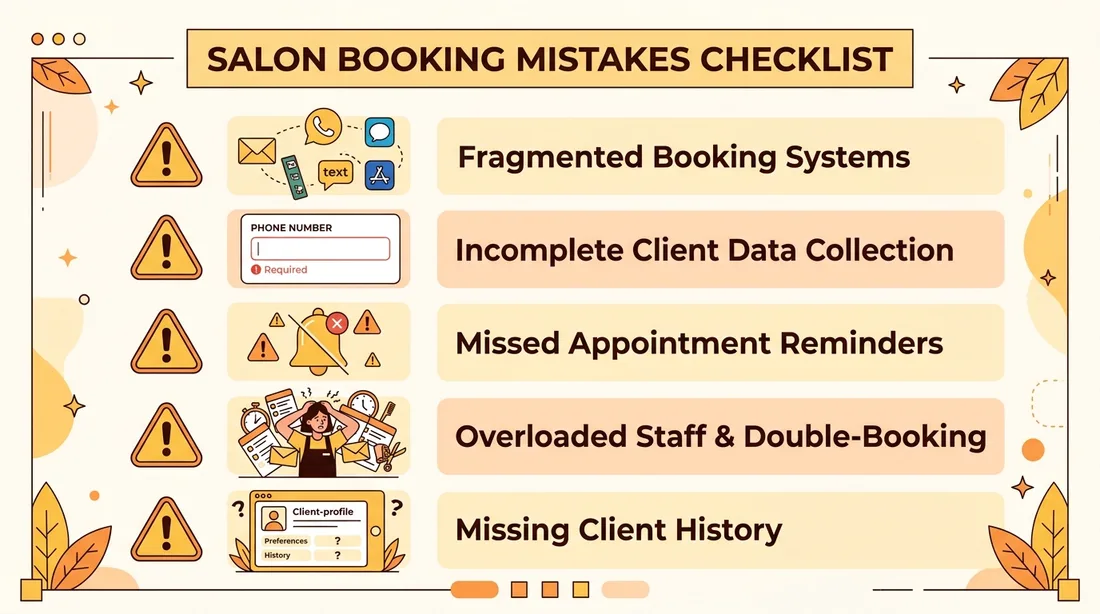
- Taking bookings across multiple channels without merging them into one place
- Not writing down a phone number, making it impossible to send a reminder or reschedule
- Skipping confirmation messages, which is the main driver of no-shows
- Letting one staff member 'own' the diary, creating a bottleneck when they're off
- No record of client preferences, allergies, or past services
When manual management stops working
A manual system can genuinely work for a solo stylist or a very small studio with a handful of regular clients. The signs it's breaking down are consistent: you're double-booked at least once a week, you're losing track of who confirmed and who didn't, staff are fielding bookings on their personal phones, or you simply can't remember which client asked about which service last week. Once you have more than one or two staff members, or clients are booking across three or more channels, the manual system usually costs more in lost bookings than software would cost in subscription fees. Blyssbook's Starter plan is specifically priced for salons making this exact transition, with online booking, a shared staff calendar, and client CRM from day one.
A hybrid approach that buys you time
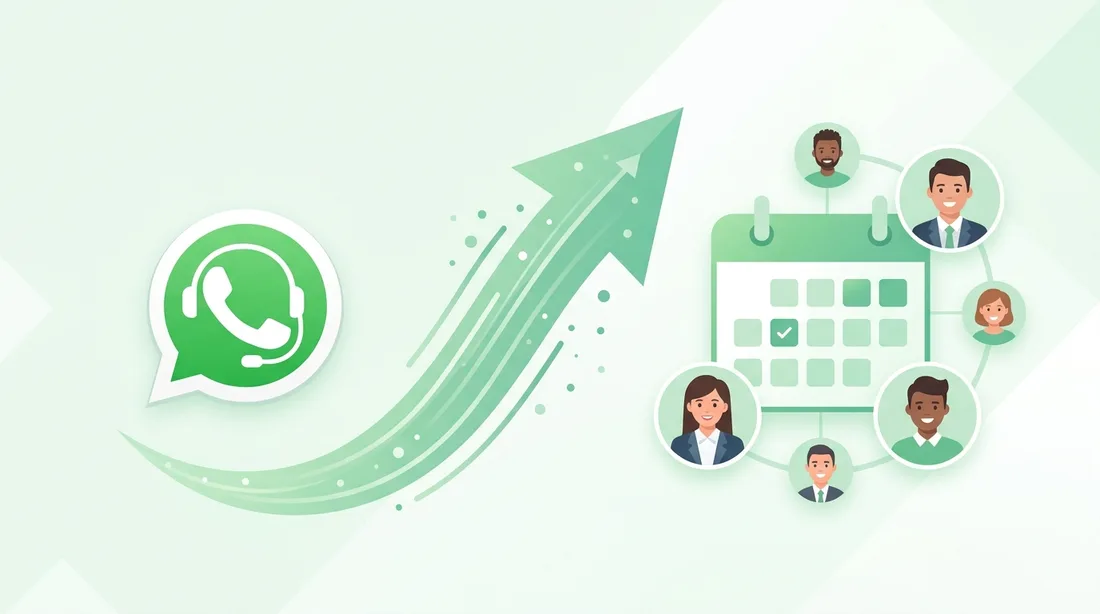
If you're not ready for full software yet, the biggest single improvement is consolidating everything into WhatsApp as your one booking channel, paired with a shared digital calendar that every staff member can see and edit in real time. This removes the 'which channel did they message on' problem even before you automate anything. When you're ready to stop manually replying to every WhatsApp message, that's the natural point to move to Blyssbook's WhatsApp AI, which checks availability, books the appointment, and sends reminders automatically — the same job you were doing manually, just without the time cost.
Manual salon appointment management — FAQ
Can a small salon really run without booking software?
Yes, especially for a solo stylist or a one-chair studio with a small, regular client base. The key is discipline: one single source of truth for bookings, and a consistent confirmation process. It becomes harder to sustain as staff numbers or client volume grow — most salons switch to a platform like Blyssbook once they add a second staff member.
What's the biggest risk of manual appointment booking?
Double bookings and no-shows. Both come from the same root cause — bookings scattered across multiple channels without a single, reliably updated record, and no automated reminder system to confirm appointments ahead of time.
Should I use a paper diary or a digital spreadsheet?
A shared digital calendar (like Google Calendar) is generally safer than paper because multiple staff can view and edit it in real time, and it doesn't get lost or damaged. A paper diary works fine for a true one-person operation.
How do I stop losing bookings sent outside business hours?
Without automation, you'll always lose some after-hours bookings to salons that respond instantly. Checking messages first thing every morning and replying before 9am helps, but it won't fully close the gap — this is usually the first problem that pushes salons toward WhatsApp booking automation like Blyssbook's AI, which responds instantly at any hour.
At what point should a salon switch to booking software?
The most common triggers are: hiring a second staff member, booking across more than two channels, a rising no-show rate, or simply spending more than 30-60 minutes a day on manual scheduling. At that point, the time saved by automation typically outweighs the cost of software — Blyssbook offers a 14-day free trial with no credit card required, so you can test whether the switch is worth it before committing.